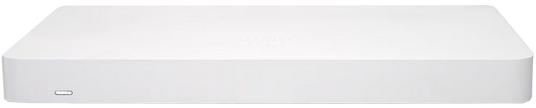
Cisco Meraki Go Firewall+
Normal Status Lights
If you need to support for any Cisco device please see: Richweb.
Light
|
STATUS
|
Description & Suggested Action
|
| LED | Solid Orange | Power is applied but the appliance is not connected to the Meraki Cloud Controller |
Rainbow Colors | The appliance is attempting to connect to Meraki Cloud Controller | Flashing White | Firmware upgrade in progress | Solid White | Fully operational/connected, uplink actively using wired WAN |
If you need to support for any Cisco device please see: Richweb.
Light
|
STATUS
|
Description & Suggested Action
|
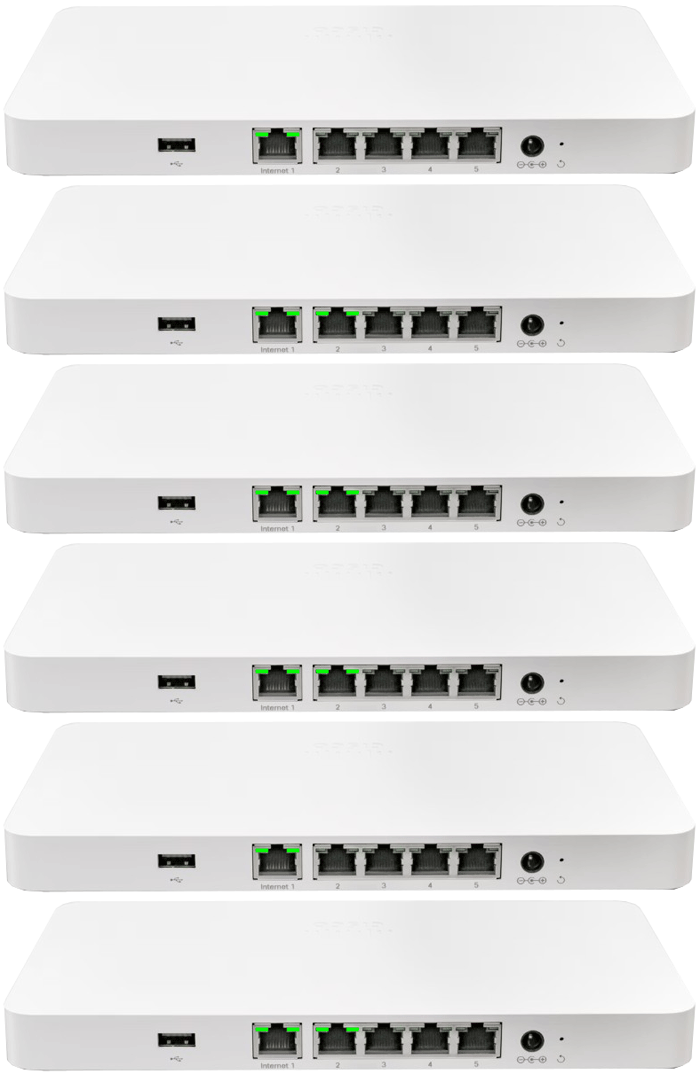
| USB | | Powered USB for charging devices |
| WAN/INTERNET | | This port provides connectivity to/from the Internet |
| LAN | Solid Green | Indicates bidirectional connectivity |
Flashing Green | Indicates traffic | | POWER | | Designed for use only with the units power supply |
| RESET | | Press for 1 second to delete a downloaded configuration and reboot |
| Press and hold for more than 10 seconds to force a full factory reset |
For more information or to have your device listed please contact
Infotel Systems
The Story Behind "Status Lights"

 StatusLights.com