HPE Networking Instant On Switch Series 1430 8G PoE
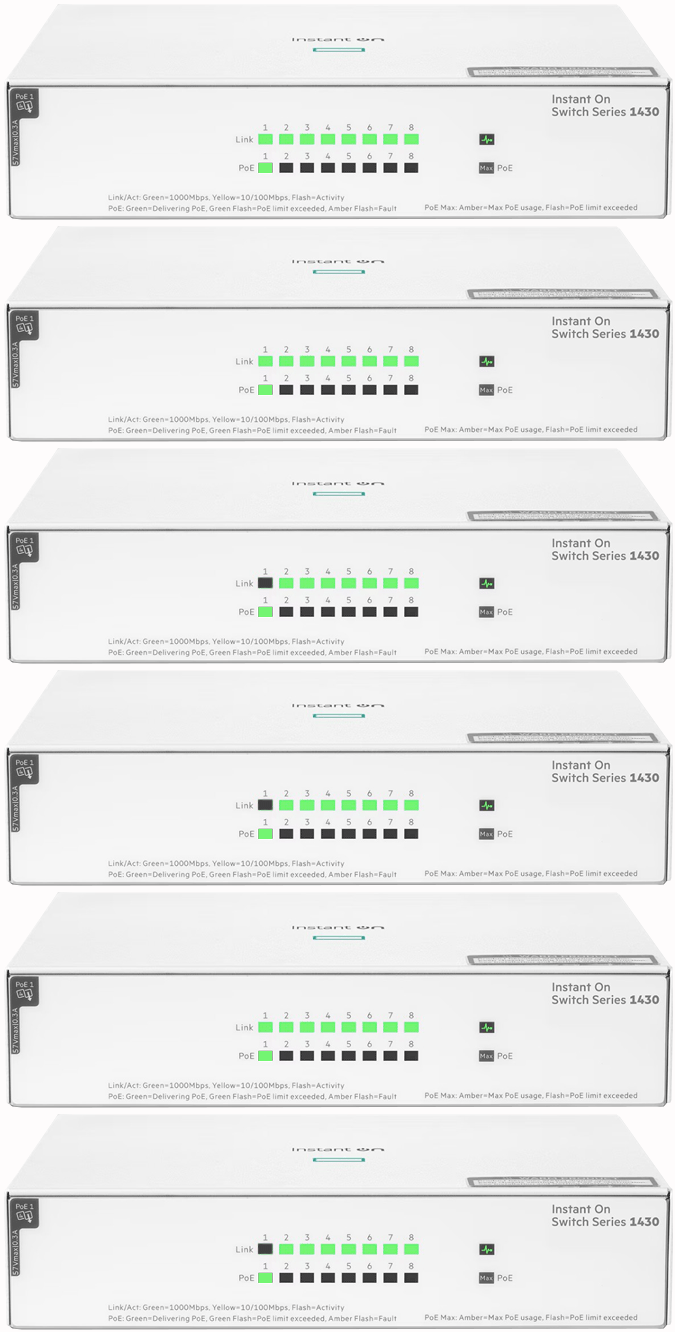
Normal Status Lights
Light
|
STATUS
|
Description & Suggested Action
|
| GLOBAL STATUS | Solid Green | Receiving Power |
Unlit | Not receiving Power | | PORT | Solid Green | Activity at 1000 Mbps |
Flashing Green | Fast flash/flicker indicates successful link with activity | Solid Yellow | Activity at 10/100 Mbps | Flashing Yellow | Successful link with activity | Unlit | Port disabled, not connected or not receiving link beat | | PoE Port | Flashing Green | Slow flash green indicates port denied power or power revoked |
Flashing Orange | Slow flashing indicates port powered with faults or port has detect/class errors | Unlit | Port disabled, not connected or not receiving link beat or not providing PoE power | | PoE Max | Solid Orange (Mode Link/Act) | Power threshold reached |
Solid Green (Mode Spd) | Spreed Mode is selected. Port LED's indicate port speed | Flashing Orange | One or more ports denied power or power revoked |
Light
|
STATUS
|
Description & Suggested Action
|
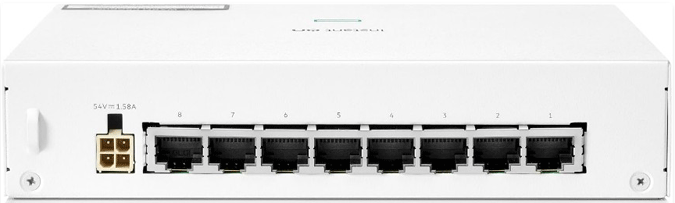
| STATUS | Port 1-8 | Check front LED's for activity |
For more information or to have your device listed please contact
Infotel Systems
The Story Behind "Status Lights"

 StatusLights.com